
windows
-
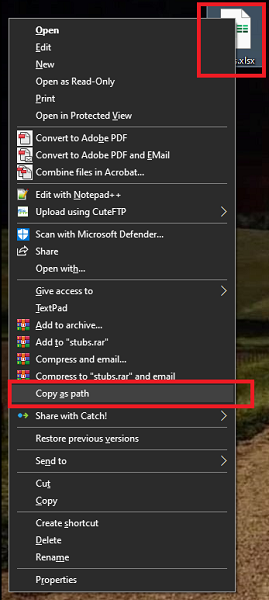
Can’t Delete a File No Matter What? Here’s the Fix
Follow below simple steps: On your keyboard press Shift then right click on the target file. In the right click list of options select Copy as path. Open a Command Prompt window (in Windows search: CMD and then press enter). In command prompt type: del \\?\ and then Ctrl+V (or right-click to paste the…
-
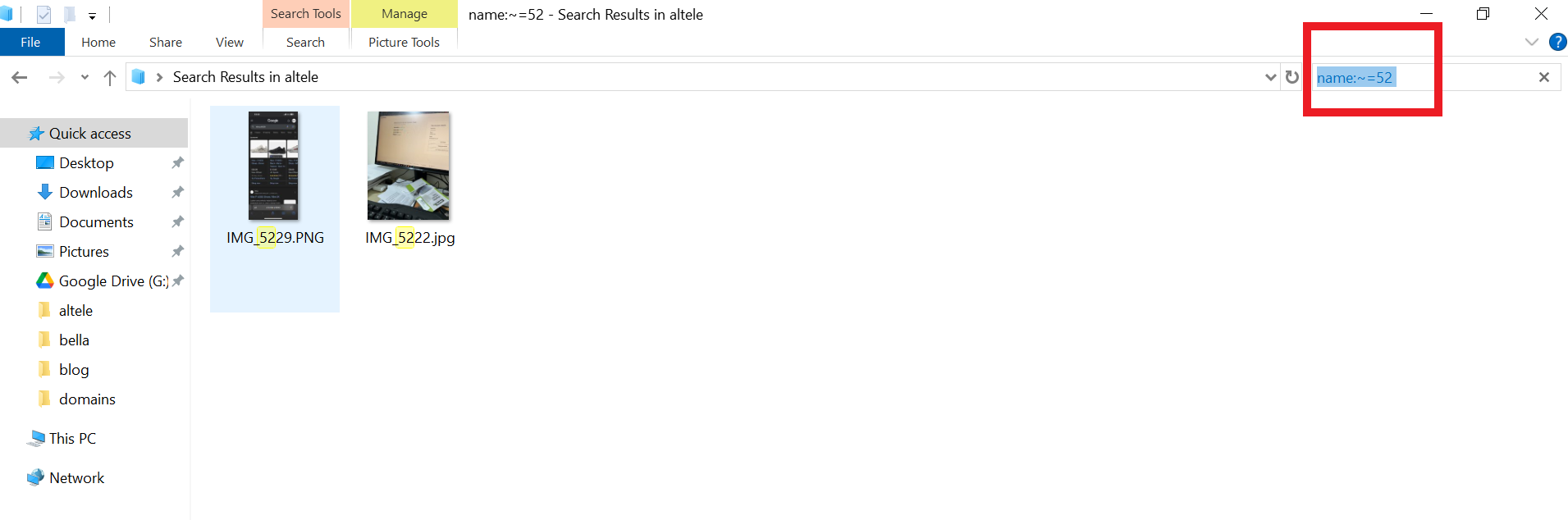
How to power your Search in your Windows computer – quick solution!
The default search function in Windows File Explorer is terrible! When you type a keyword, it searches for that exact term only. So if your filename contains that keyword combined with other characters, it won’t return any results. To fix this, try using the following search string: name:~= After the equals sign (=), simply…